
WORDPRESS & AI · FREE EDITION COMPARISON
Connect your AI assistant to WordPress with a free plugin that fits the work you actually do. This guide compares the documented free features, connection choices and limits of seven options.
Checked: 11 October 2026 · Self-hosted WordPress · Free features only
Quick choices: investigate WPVibe for a managed connection, AI Engine for core MCP tools alongside an AI toolkit, and EMCP for native Elementor & Gutenberg building. Easy MCP AI suits broad content/data work; Royal MCP suits an existing plugin stack. Choose by the operations and free limits you need.
Jump to: Free scope · Setup and controls · Stats · Plugin reviews · How to choose · FAQ
A WordPress MCP plugin exposes site actions as tools that a compatible AI client can discover and call. For example, the client can request a post list, prepare a draft or update a page through the tools you allow.
Here, free means the plugin or service’s documented $0 offering. It does not mean free hosting, free model inference, free SEO API credits or a free license for another plugin. A free connector cannot turn a paid third-party feature into a free feature.
We checked official directory listings, product documentation and plan pages. Counts below are publisher-reported catalog sizes, not tool lists measured on an identical site. Installed integrations, capabilities, toggles and dispatcher design change what an agent sees. Missing documentation is marked unverified rather than treated as proof that a feature is absent.
| Plugin | Published free catalog | Practical free focus | Free boundary |
|---|---|---|---|
| 1. WPVibe | Every tool and skill; current exact count not verified | Managed connection and broad site work | 100 tool calls per rolling 24 hours per account |
| 2. AI Engine | 36 core WordPress tools in MCP documentation | Core content tools plus an AI toolkit | Advanced MCP administration is Pro |
| 3. EMCP Tools | Up to 233 tools & 3 free modules | Native Elementor building, Gutenberg and WordPress | EMCP Pro integrations and paid third-party features excluded |
| 4. Easy MCP AI | 280+ tools, advertised | Content, WooCommerce, SEO and external data | Provider accounts/API fees may apply |
| 5. Royal MCP | 90 core + 136 integration + 4 helper tools, advertised | WordPress administration and installed-plugin workflows | Some upstream plugin features need their own paid editions |
| 6. miniOrange Secure MCP Server | Free count unverified | Evaluate its documented Free abilities | Pricing says 100 requests/day; public tier claims conflict |
| 7. Agent Abilities for MCP | 179 curated abilities, advertised | Opt-in access for a scoped WordPress user | Active plugins and selected abilities determine availability |
Count notes: Royal’s published breakdown adds up to 230 possible catalog entries. AI Engine’s 36 refers to its documented core set, not a total including integrations or REST access. EMCP’s free maximum is 233. We leave WPVibe’s exact count and miniOrange’s free count unverified. A dispatcher can expose many operations through one MCP tool, so tool totals are not a fair measure of functional depth.
Allowance sources: WPVibe Free and miniOrange plans. Free-tier boundaries: EMCP and AI Engine.
| Plugin | Connection / authentication | Documented controls in the free offering | Recovery qualification |
|---|---|---|---|
| WPVibe | WPVibe-hosted relay; site connected through WordPress credentials | Destructive-action approval previews and Approval Log | Approval is distinct from rollback |
| AI Engine | Direct; OAuth documented | Selectable MCP features and permission-aware core tools | Universal MCP undo not verified |
| EMCP Tools | Direct HTTP or local WP-CLI; OAuth 2.1 or Application Password | Tool toggles, capability checks, MCP Log; OAuth consent by an administrator | History undo for supported changes |
| Easy MCP AI | Direct; OAuth 2.1 or API tokens | Per-connection tools, rate limit, Audit Log | Change snapshots and history inspection; no universal undo claim |
| Royal MCP | Direct; OAuth 2.0 + PKCE or API key | Capability checks, activity log, option-write opt-in | 72-hour undo tokens on supported writes |
| miniOrange Secure MCP Server | OAuth 2.1; direct-versus-gateway route needs clarification | Listing describes role/tool controls and logs; Free entitlement needs checking | Vendor pricing places undo in Pro |
| Agent Abilities for MCP | Direct; OAuth or Application Password | Off by default, read-only mode, user/role/connection scoping, audit log | Do not assume a universal undo system |
A direct connection still sends requested tool results to your AI client. A hosted relay adds a service to that route. Neither architecture alone proves security, privacy or reliability.
An audit log records actions; change history captures edits; undo reverses supported operations. These are different features. “Unverified” above means we did not establish a general free undo capability from the checked sources. For EMCP authentication, see OAuth and Application Password documentation. For miniOrange, check the conflicting connection statements before relying on a direct-only route.
| Plugin | Version checked | Active installs | Rating / ratings | Minimum WP / PHP |
|---|---|---|---|---|
| WPVibe | 1.20.3 | 60,000+ | 5/5 rounded · 112 | 6.0 / 7.4 |
| AI Engine | 3.8.4 | 90,000+ | 4.9/5 · 870 | 6.0 / 8.1 |
| EMCP Tools | 3.19.0 | 10K, publisher-reported | 5.0/5 · 14 Freemius reviews | 6.9 / 8.1 |
| Easy MCP AI | 2.1.1 | 10,000+ | 5/5 · 13 | 6.0 / 7.4 |
| Royal MCP | 1.5.7 | 10,000+ | 5/5 · 7 | 5.8 / 7.4 |
| miniOrange Secure MCP Server | 1.5.1 | 5,000+ | 5/5 · 8 | 6.9 / 7.4 |
| Agent Abilities for MCP | 1.7.10 | 500+ | 4.8/5 · 5 | 6.9 / 7.4 |
Ordering: WPVibe appears before AI Engine by editorial choice, although their current WordPress.org listings report 60,000+ and 90,000+ total installs respectively. AI Engine’s figure covers its broader AI suite, not measured MCP usage. EMCP, Easy MCP AI and Royal MCP form an approximately 10K install group; their displayed figures do not establish an exact order within that group. miniOrange reports 5,000+ and Agent Abilities 500+. Install popularity does not measure free feature depth.
Version is the release checked, not a promised future version. The six WordPress.org install figures are buckets, not exact site counts. Their ratings are rounded; WPVibe’s 112 ratings include ratings below five stars. A 5/5 display with a small review count is not evidence of superior security.
EMCP’s homepage reports 10K active installs and 5.0/5 from 14 verified Freemius reviews. It attributes download and install data to GitHub and Freemius. These are publisher-reported product-wide figures, not WordPress.org statistics or free-edition-only counts. We reproduce the displayed 10K value without treating it as an exact count.
The six WordPress.org listings say tested up to WordPress 7.1.3. AI Engine’s install count covers its whole AI suite, not verified MCP usage. EMCP’s minimum requirements come from official documentation.
The screenshots below are actual captures of the official websites or plugin listings. They identify each product. Marketing shown in an image may cover paid features; use the free-tier notes for entitlement details.
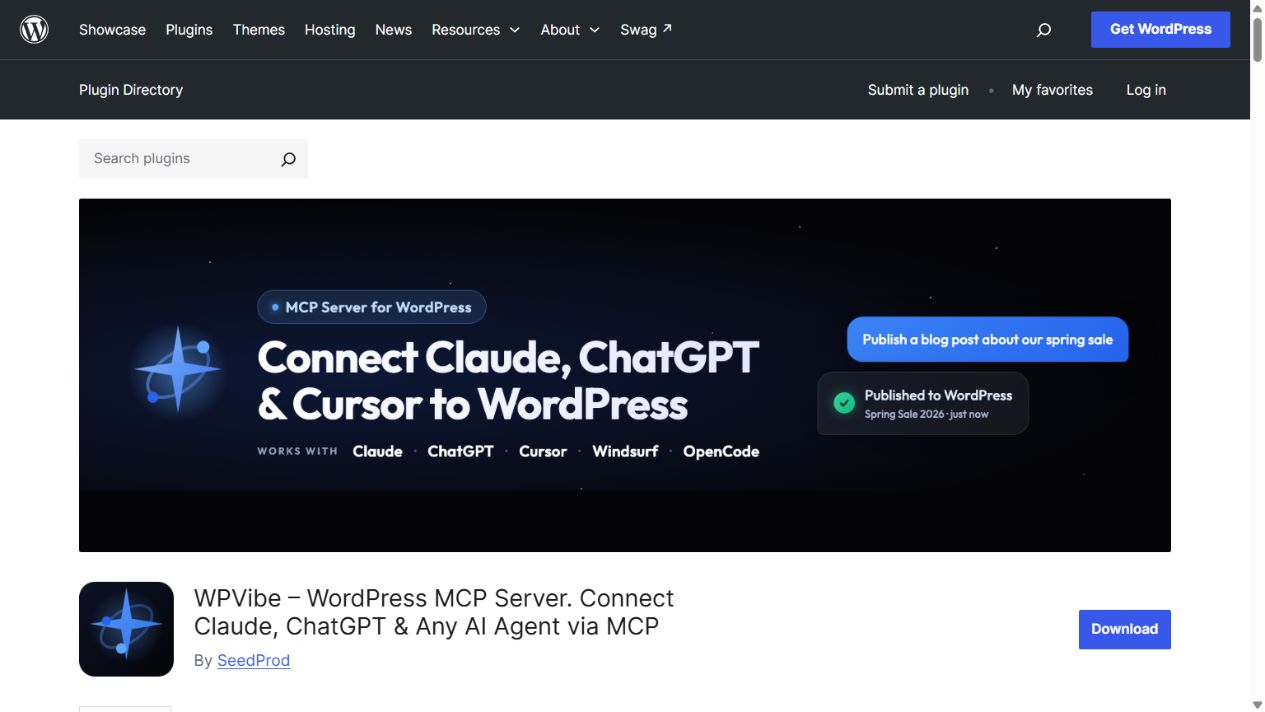
WPVibe suits someone who prefers a managed connection and lighter daily site work. Its free service includes every tool and skill, including documented builder workflows, rather than selling a reduced feature list.
Free boundary: the allowance is 100 tool calls in a rolling 24-hour window per account, shared across sites. The first-week bonus is temporary. Requests use WPVibe’s hosted relay. A long build can need multiple calls for reading, editing and checking, so 100 calls does not mean 100 finished pages.
Best fit: occasional maintenance with managed setup. Current free allowance and counting rules; plugin and approval documentation.
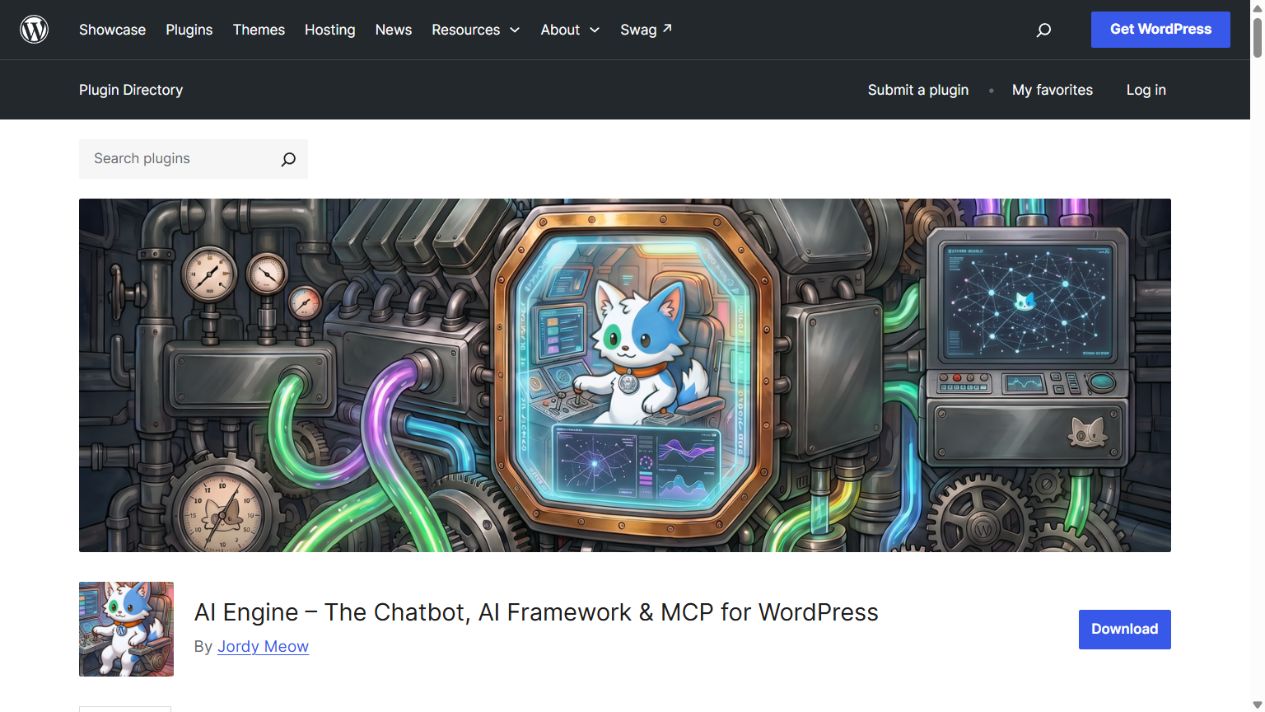
AI Engine is worth considering if you also want AI features inside WordPress. Its official MCP documentation lists 36 core WordPress tools in Free, covering posts, comments, users, media, taxonomies and settings, alongside dynamic REST access.
Free boundary: the product’s plan page puts advanced WooCommerce, database, theme and plugin-management MCP tools in Pro. Its broad WordPress.org description mixes tiers, so those capabilities are not credited to Free here. Model-provider costs are separate when you use its built-in AI features.
Best fit: core site content plus an existing AI Engine workflow. MCP Free/Pro tool breakdown; official plan comparison.
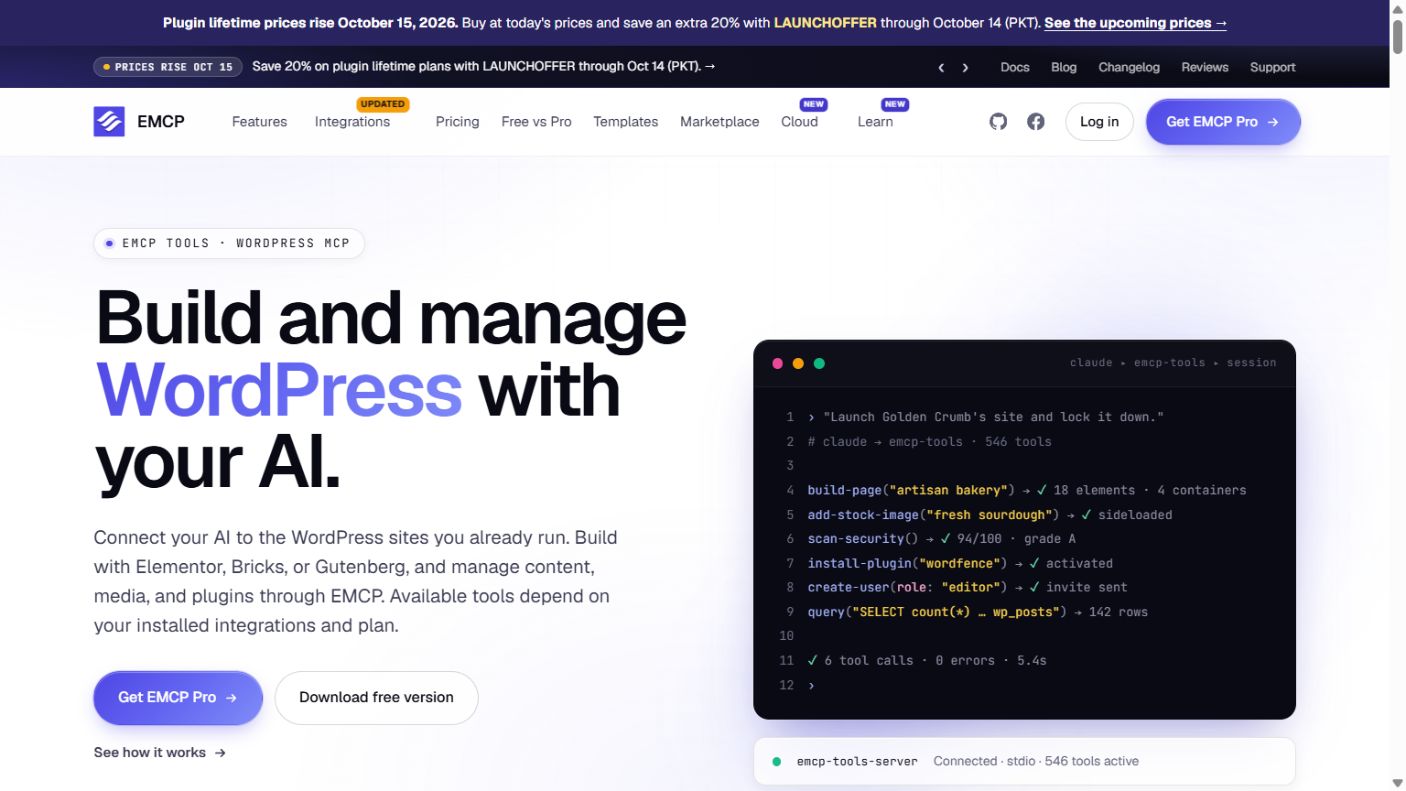
EMCP’s free offering is particularly relevant when the work involves Elementor structure, rather than only post text. It documents widget discovery, page inspection, container and widget editing, complete page builds, global settings, Gutenberg blocks and supported Elementor 4 atomic elements. The maximum free catalog is 233 tools, with availability tied to your installed plugins and enabled modules.
Free boundary: the dedicated WooCommerce store integration, AI Chat, Widget Builder and advanced SEO/accessibility toolkit are excluded here. Elementor Pro widgets still need Elementor Pro. That license is separate from EMCP Pro.
Best fit: an Elementor-focused build/edit workflow. Free includes History with supported undo and MCP Log. Download is through GitHub; the MCP Adapter is bundled. Tool documentation, Free versus Pro, requirements.
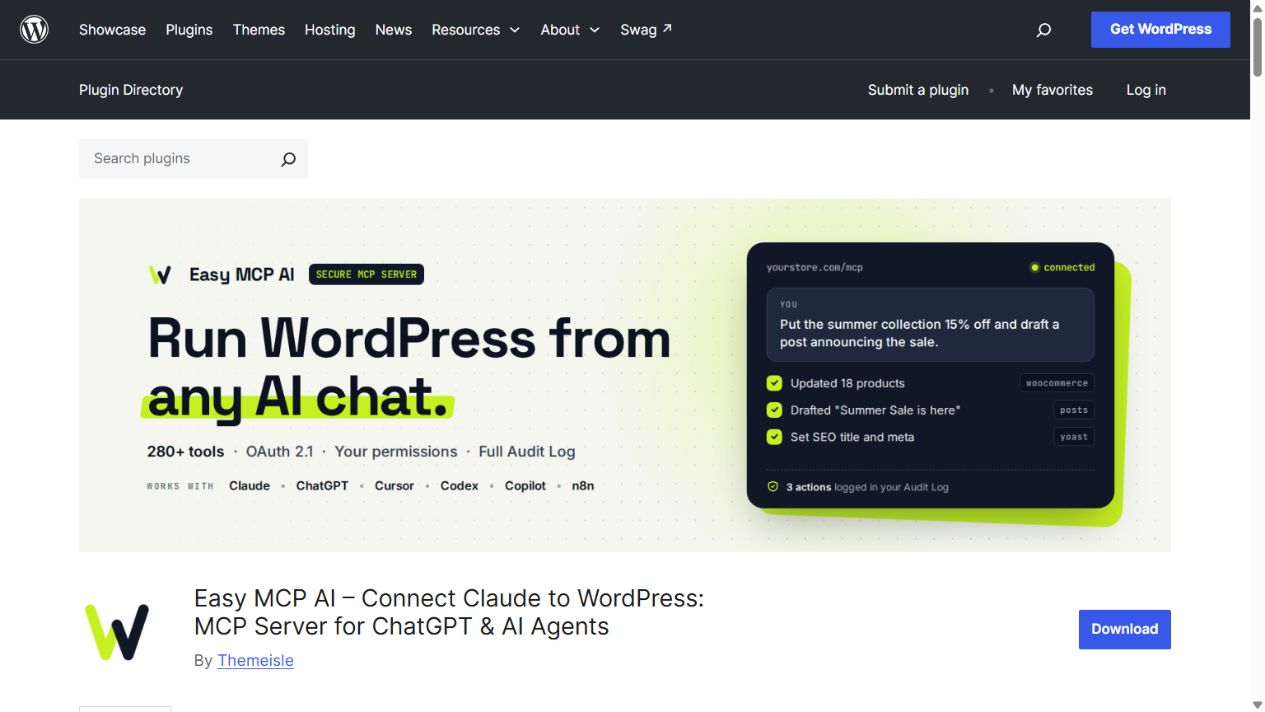
Easy MCP AI is worth considering for a general WordPress workflow. Its free catalog combines content, media, WooCommerce and SEO operations with Google Analytics and Search Console connections. The server runs on your own site, with no required vendor account or hosted relay.
Free boundary: its 280+ figure is a published catalog, not a promise that every installation exposes every tool. Integrations require their plugins; external data uses your own accounts and may incur API charges. History snapshots should not be mistaken for guaranteed rollback of every action.
Best fit: content and data tasks across several WordPress plugins. Official listing and free-feature details.
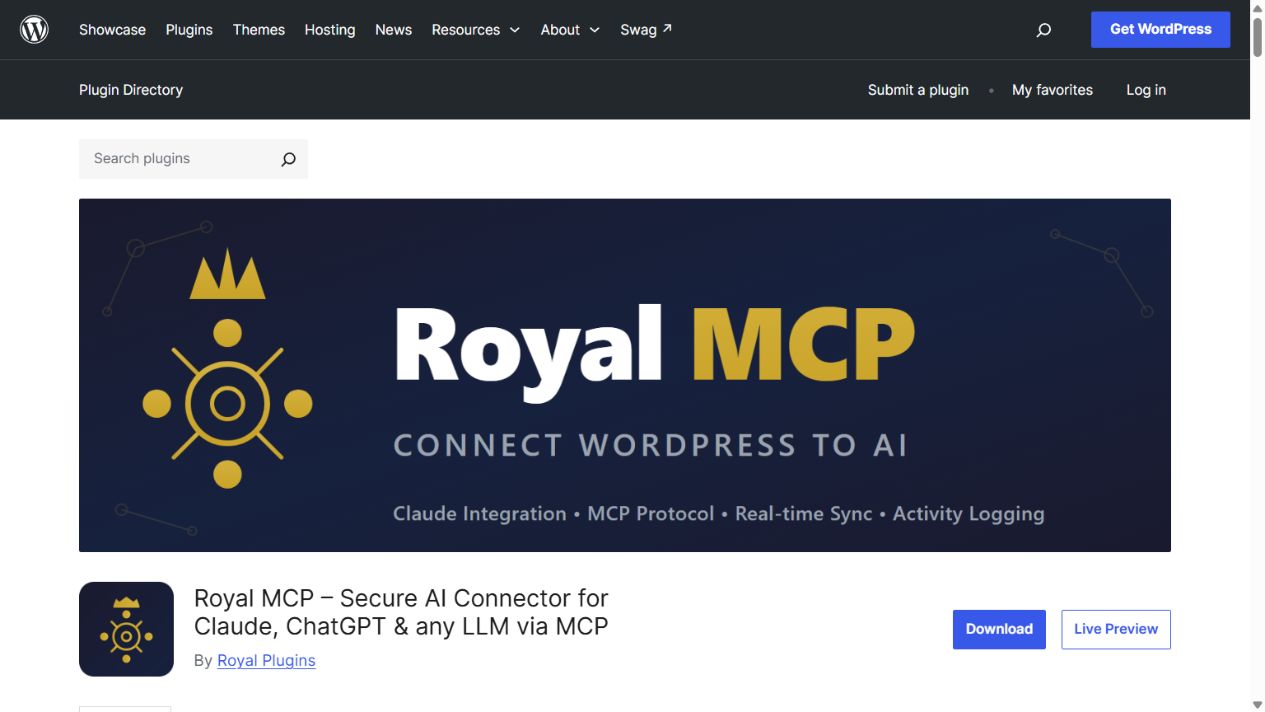
Royal MCP is a useful shortlist candidate when your site combines WordPress content with several plugin data models. Its free listing includes Elementor and Divi integrations, WooCommerce tools, custom-field access and an activity log.
Free boundary: some integrated features need paid upstream plugins, such as WPForms submission access. Elementor’s documented tools emphasize existing-page workflows such as cloning, replacement, inspection and templates. Those are different tasks from building a page through a dedicated widget catalog.
Best fit: maintaining a varied plugin stack. Supported writes offer time-limited undo; keep full backups separately. Official tool breakdown and undo notes.
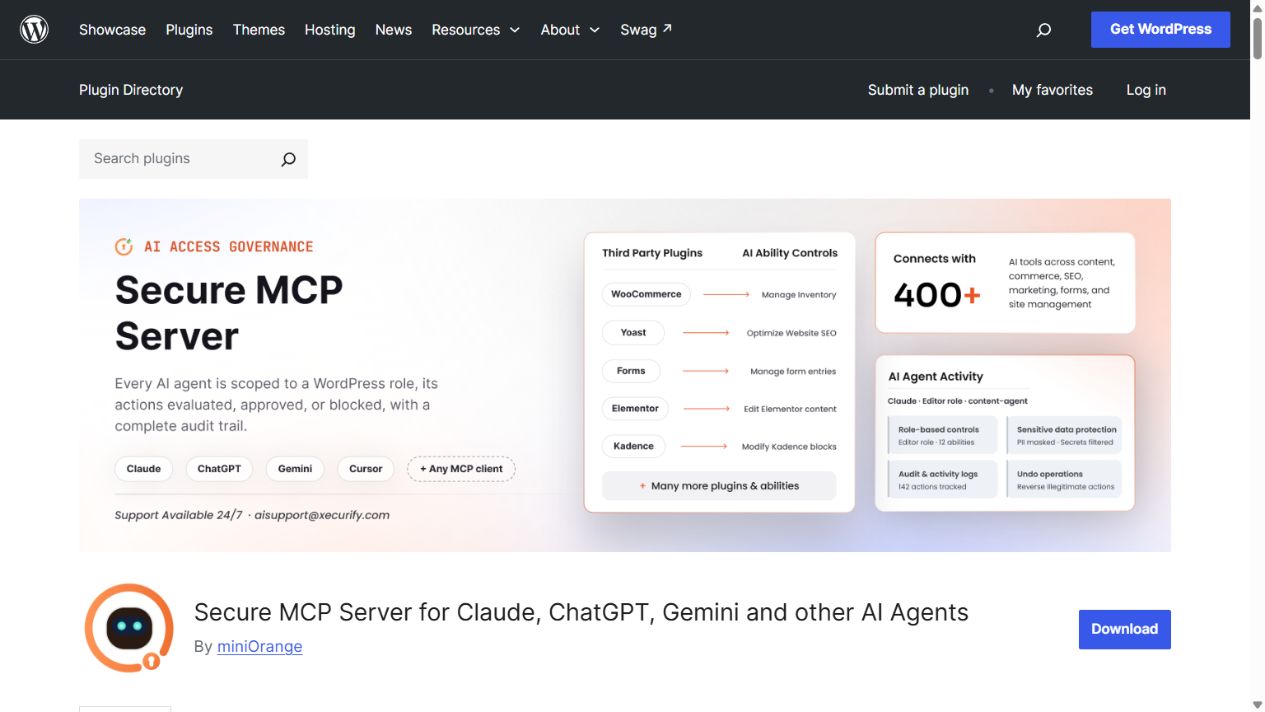
miniOrange belongs on the competitor shortlist, but its current public descriptions require caution. WordPress.org advertises 426 tools, role/tool controls, logs and a self-hosted server without a relay. The same listing also supplies a miniOrange gateway endpoint.
Free boundary: the vendor’s pricing page lists 100 requests per day for Free and places premium abilities and undo in Pro. We therefore do not count all 426 tools, free undo or a direct-only connection as verified Free benefits.
Best fit: evaluation after confirming the exact free tool set and connection route. WordPress.org listing and vendor plans are the conflicting sources.
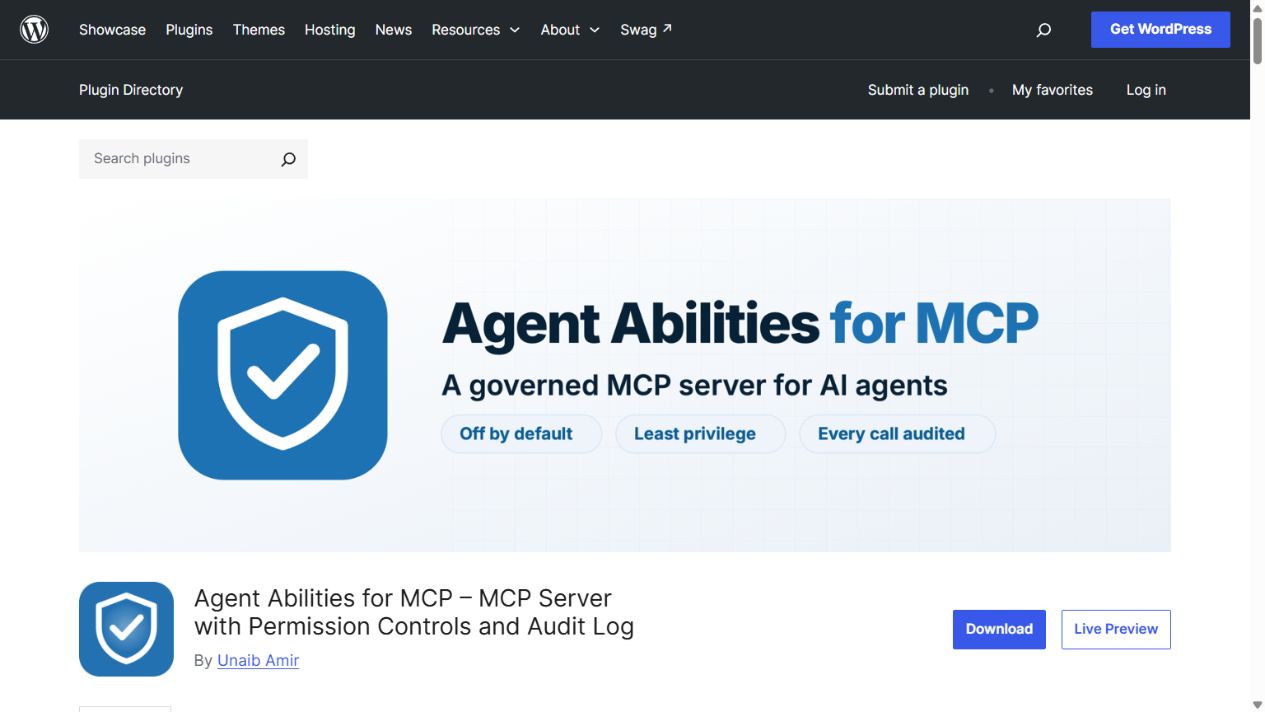
Agent Abilities for MCP makes access control its central feature. Nothing is exposed until enabled, and each connection acts as the WordPress user you select. Its free offering includes read-only mode, role and connection allowlists, and an audit log that includes denied attempts.
Free boundary: the advertised 179 abilities and any bridged tools still depend on active plugins, selections and the user’s capabilities. An ability bridge does not establish that every builder has a complete native authoring toolkit.
Best fit: a small, deliberately scoped set of agent tasks. The listing says there is no paid tier or plugin-added usage quota. Official abilities and access details.
Start with one task, not a tool-count target. For an Elementor layout, check whether the free toolkit can create the required container and widget structure. For a shop task, check the exact product, order or variation operation. For analytics, check the connected provider and its API access.
For a modest content task, a smaller tool set may be enough. For repeated builder iterations, native editing depth and daily-call limits deserve more attention. Choose according to your site’s editor, plugin stack and working pattern.
The connector and the AI client are separate products. Your client’s MCP support, account access and model usage limits still apply. Built-in AI features and external APIs may have their own charges.
Yes. The documented free Elementor workflow includes page, container and free-widget tools. You need Elementor installed; paid Elementor widgets need their own license. Check the tool catalog for the exact feature and tier.
This research does not establish a comparable winner. Catalog totals count different things, and some include integrations that are not installed on your site. Check your client’s discovered tools and the operations you need instead of ranking by a headline total.
The official WordPress MCP Adapter bridges WordPress abilities to MCP. It is a foundation for exposing registered abilities, rather than the same ready-made feature bundle as the plugins above. Several products bundle or build on it.
Begin with one connection for your chosen workflow. Extra connectors can create overlapping tool lists and additional permissions to maintain. Add another only when you can identify the missing operation and verify how access and recovery work for that connection.
Research and screenshots checked on 11 October 2026. Free tiers, versions and directory numbers change. Recheck the linked primary sources before installing or enabling a feature. We will revise this comparison when a documented free-tier change materially affects the choice.
Stay updated with the latest courses, tutorials, and updates from WP Academy. Don’t worry, we hate SPAM and we only send what’s important to you.